SATELLITE IMAGERY HEAD-TO-HEAD
Sentinel Hub vs Copernicus Browser (2026)
Sentinel Hub and Copernicus Browser share DNA — literally. Copernicus Browser, the completely free official viewer of the Copernicus Data Space Ecosystem, is built on Sentinel Hub's EO Browser technology. What separates them is what surrounds the viewer. Sentinel Hub, run by Sinergise, a Planet Labs company, is the paid developer platform: 7 APIs, subscriptions metered in processing units, Landsat and commercial Planet and Maxar data on top of the Sentinels. Copernicus Browser is the viewer set free: Sentinel-1, 2, 3 and 5P visualisations, indices, compare mode and timelapses for €0, with only a free account asked. It is the classic split — the API, or the free viewer built on the same tech.
Sentinel Hub is the platform you build on; Copernicus Browser is the viewer you open. Same EO Browser roots — one is metered by processing units behind a contact-sales wall, the other is the European programme's gift: the viewing job done in full, for free.
Last reviewed: October 2026 · Sources listed at the bottom of this page
Quick facts
| Sentinel Hub | Copernicus Browser | |
|---|---|---|
| Model | Paid developer platform — APIs metered in processing units | Free official web viewer in the Copernicus Data Space Ecosystem |
| Operator | Sinergise Solutions, a Planet Labs company | Copernicus Data Space Ecosystem (European Copernicus programme) |
| Price | No public prices — pricing page redirects to Planet's contact-sales page | €0 — no paid plans exist |
| Free entry | 30-day free trial including API access; EO Browser showcase is free | The full Browser, with a free account currently required |
| Data | Sentinel-1/2/3/5P, Landsat, Planet, Maxar, DEM and bring-your-own data | Sentinel-1/2/3/5P and two digital elevation models |
| Platform | Web apps plus 7 APIs, Python package and GIS integrations | Web only — no native mobile app found |
Key differences at a glance
- API access for building your own applicationsSentinel Hub: YesCopernicus Browser: PartialSentinel Hub's core product is its 7 APIs; Copernicus Browser is a viewer — APIs belong to the wider Copernicus Data Space Ecosystem around it
- Completely free, with no paid plansSentinel Hub: NoCopernicus Browser: YesSentinel Hub is a paid subscription platform with a 30-day free trial; Copernicus Browser costs €0 and has no paid plans at all
- Subscriptions metered in processing unitsSentinel Hub: YesCopernicus Browser: NoSentinel Hub plans are metered in PU (Exploration 30,000 PU/mo, Basic up to 70,000, Enterprise S 400,000); Copernicus Browser has no subscriptions or metering
- Landsat collectionsSentinel Hub: YesCopernicus Browser: Not verifiedSentinel Hub lists Landsat 9-8, 7, 4-5 and 1-5 among its data sources; Landsat is not in Copernicus Browser's documented visualisable collections checked
What is Sentinel Hub?
Sentinel Hub is a cloud-based service, run by Sinergise Solutions — a Planet Labs company — that makes satellite data from the Sentinels, Landsat and other providers easy to browse or analyse, in its cloud GIS or in your own environment. Its documentation describes 7 APIs for searching, processing, analysing, visualising and downloading satellite data and integrating it into your own application, metered in processing units (PU). Its data spans Sentinel-1, 2, 3 and 5P, the Landsat archive, commercial Planet and Maxar collections, elevation models and bring-your-own-data collections. Its free showcase app is EO Browser; the platform itself is a paid subscription product with a 30-day free trial, and an account is required for API use.
What is Copernicus Browser?
Copernicus Browser is the free visual front end of the Copernicus Data Space Ecosystem, the European programme's open ecosystem for Earth-observation data. Official documentation describes it as a central hub for accessing, exploring and using data from the Copernicus Sentinel constellations and more — and states plainly that it is based on Sentinel Hub's EO Browser technology. It visualises Sentinel-1, 2, 3 and 5P data and two digital elevation models, with ready-made and custom visualisations, spectral indices such as NDVI, a compare tool, pins, 3D visualisation, statistical tools and timelapse export as GIF or MPEG4. It is completely free; a free account is currently required to use it, and it is web only.
Sentinel Hub vs Copernicus Browser: feature comparison
Verified against official sources. “Not verified” means we couldn’t confirm it — not that it doesn’t exist.
FEATURE TALLY — FROM THE TABLE BELOW
Sentinel Hub
11 yes · 0 partial · 2 no · 1 not verified
Copernicus Browser
9 yes · 1 partial · 3 no · 1 not verified
A count of the rows in the verified table beneath — not a quality rating. The rows themselves, and what each product does best, matter more than the totals.
| Feature | Sentinel Hub | Copernicus Browser |
|---|---|---|
| API access for building your own applicationsSentinel Hub's core product is its 7 APIs; Copernicus Browser is a viewer — APIs belong to the wider Copernicus Data Space Ecosystem around it | Yes | Partial |
| Completely free, with no paid plansSentinel Hub is a paid subscription platform with a 30-day free trial; Copernicus Browser costs €0 and has no paid plans at all | No | Yes |
| Subscriptions metered in processing unitsSentinel Hub plans are metered in PU (Exploration 30,000 PU/mo, Basic up to 70,000, Enterprise S 400,000); Copernicus Browser has no subscriptions or metering | Yes | No |
| Sentinel-1, 2, 3 and 5P dataBoth centre on the Sentinel missions — Sentinel Hub as processable collections, Copernicus Browser as visualisable data | Yes | Yes |
| Landsat collectionsSentinel Hub lists Landsat 9-8, 7, 4-5 and 1-5 among its data sources; Landsat is not in Copernicus Browser's documented visualisable collections checked | Yes | Not verified |
| Commercial imagery collections (Planet, Maxar)Sentinel Hub offers Planet PlanetScope and SkySat Archive and Maxar WorldView/GeoEye collections; Copernicus Browser's documented visualisations are Sentinel missions and DEM data | Yes | No |
| Custom indices and visualisations (e.g. NDVI)Sentinel Hub uses custom evalscripts and band math; Copernicus Browser offers NDVI, custom composites, custom indices and custom script visualisations | Yes | Yes |
| Compare and split-view toolsSentinel Hub's EO Browser supports browse and compare; Copernicus Browser's compare tool offers Split and Opacity modes | Yes | Yes |
| Timelapse creationBoth offer time-lapse functionality; Copernicus Browser exports timelapses as GIF or MPEG4 | Yes | Yes |
| Download imagery and productsSentinel Hub APIs return and download processed imagery; Copernicus Browser offers image download (JPG, PNG, KMZ, GeoTIFF) and full product download | Yes | Yes |
| Statistical analysis over an area and timeSentinel Hub has a dedicated Statistical API; Copernicus Browser provides histograms, a Spectral Explorer and statistical time series in the browser | Yes | Yes |
| 3D visualisation of terrainCopernicus Browser offers 3D visualisation, downloadable as PNG/JPEG; Sentinel Hub's EO Browser is primarily a 2D viewer and a 3D view is unverified | Not verified | Yes |
| Account required for core useSentinel Hub requires an account for API use; Copernicus Browser currently requires a free account — the difference is that only Sentinel Hub's account leads to paid subscriptions | Yes | Yes |
| Native mobile appsNo official native app was found for either on the official pages checked — both are web platforms | No | No |
Pricing: Sentinel Hub vs Copernicus Browser
Sentinel Hub pricing
Paid subscriptions metered in processing units — but no public prices exist: on 2026-10-29 Sentinel Hub's pricing page redirected to Planet's pricing page, which lists no Sentinel Hub plan prices and routes buyers to contact sales, so no euro or dollar price is stated here. The published structure is processing-unit allowances — Exploration 30,000 PU per month (which does not support commercial use), Basic up to 70,000 PU per month, and Enterprise S 400,000 PU per month — with monthly and annual packages described in its FAQ. A 30-day free trial includes API-level access, and its EO Browser showcase app is free to use.
Copernicus Browser pricing
Completely free — €0, with no paid plans, subscriptions or pricing pages. The Copernicus Data Space Ecosystem describes free instant access under Copernicus's free and open data policy. The only requirement is a free account, which the official documentation states is currently needed to use the Browser.
Sentinel Hub: pros and cons
- 7 APIs — Processing, Batch, Catalog/STAC, Statistical, OGC and more
- Sentinel, Landsat and commercial Planet and Maxar data in one platform
- Custom evalscripts and multi-temporal processing at cloud scale
- 30-day free trial including API-level access
- Python package plus QGIS and ArcGIS integration via OGC services
- No public prices — its pricing page redirects to Planet's contact-sales page
- Paid subscriptions are metered in processing units you must budget
- Account required for API use, and a learning curve throughout
- No official native mobile app was found
Copernicus Browser: pros and cons
- Completely free — €0, no paid plans, no trial clock
- Built on Sentinel Hub's proven EO Browser technology
- Sentinel-1/2/3/5P plus DEM visualisations, NDVI and custom indices
- Compare mode, pins, 3D view and timelapse export (GIF/MPEG4)
- In-browser statistics, histograms and image/product downloads
- A free account is currently required — no anonymous use
- Web only — no official native mobile app was found
- Visualisation is centred on Sentinel missions and DEM data
- Not a developer platform itself — APIs live in the wider Data Space ecosystem
The verdict
Choose Sentinel Hub if…
Choose Sentinel Hub if you build with satellite data — feeding imagery into your own application, pipeline or product through its APIs, running custom processing at scale, or adding Landsat and commercial Planet and Maxar collections beyond the Sentinels.
Choose Copernicus Browser if…
Choose Copernicus Browser if you look at satellite data — studying vegetation with NDVI, comparing a place across dates, making timelapses, or downloading Sentinel imagery for a report or classroom, without paying anything or talking to a sales team.
Is Sentinel Hub better than Copernicus Browser?
It depends on whether imagery is something you look at or something you build with. Copernicus Browser is better for looking: the free official viewer, built on Sentinel Hub's own EO Browser technology, with Sentinel data, indices, compare mode and timelapses for €0. Sentinel Hub is better for building: the paid developer platform whose 7 APIs, processing-unit subscriptions and commercial data collections feed your own applications. Viewers should start — and may never need to leave — Copernicus Browser; developers who outgrow a viewer graduate to Sentinel Hub.
ANOTHER OPTION
Where WorldEye fits
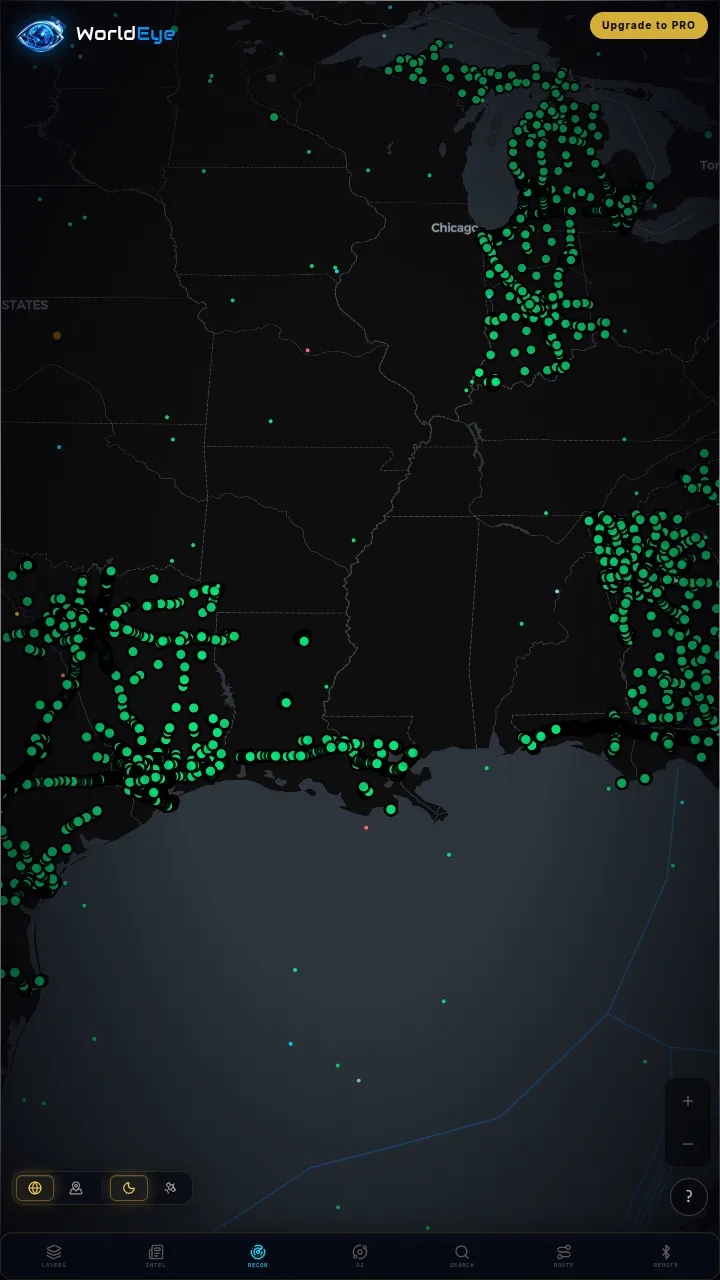
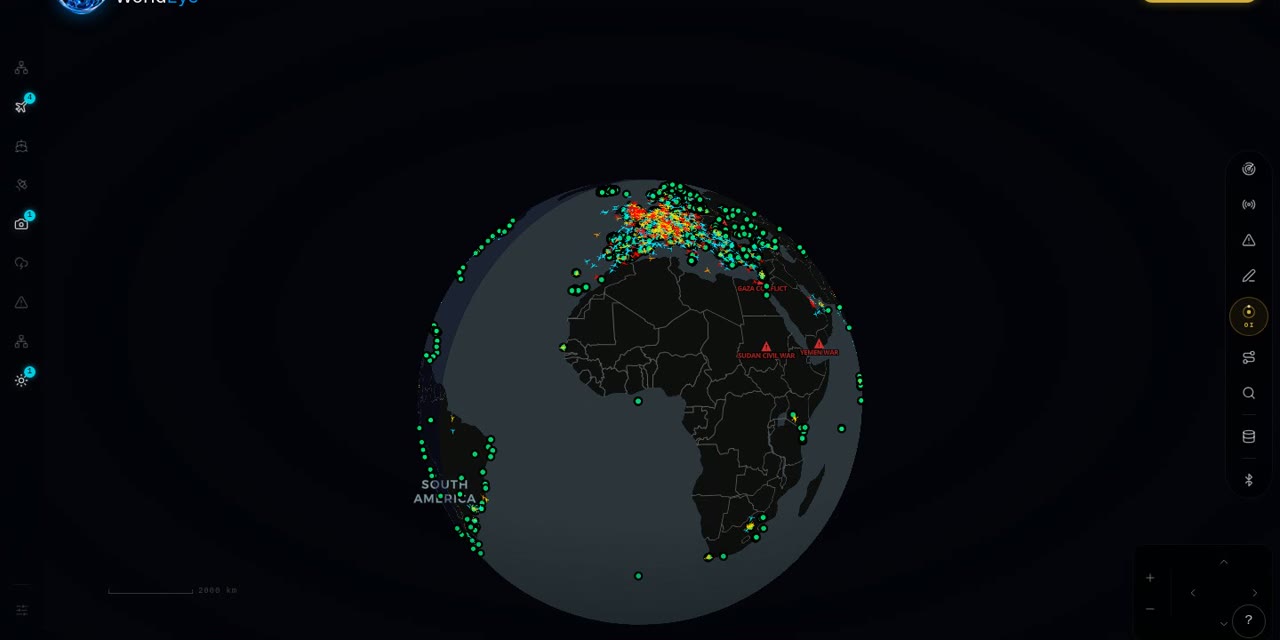
Both tools show the Earth from orbit, as data. WorldEye shows it from the ground, live: a free 3D globe that opens in any browser with no signup — 74,229 public cameras across 105 countries, alongside live flights, ships, satellites, weather, earthquakes and wildfires in the same view. It offers neither Sentinel Hub's APIs nor Copernicus Browser's Sentinel analysis, and it does not claim to; it is the live-planet view. Its optional Pro tier is $7.99/week, $13.99/month or $74.99/year.
Live on WorldEye right now
Real cameras from WorldEye's live catalogue — no account, no install. Tap any frame to open that exact camera on the globe.
Full WorldEye head-to-heads: WorldEye vs Sentinel Hub · WorldEye vs Copernicus Browser
Sentinel Hub vs Copernicus Browser: quick answers
Is Copernicus Browser built on Sentinel Hub technology?
In effect, yes for viewing: the official Copernicus Data Space documentation states that Copernicus Browser is based on Sentinel Hub's EO Browser, which Sentinel Hub itself describes as its free web application showcasing its functionality. Copernicus Browser is the European ecosystem's official, completely free version of that viewing experience.
Is Sentinel Hub free?
Not as a platform. Sentinel Hub offers a 30-day free trial that includes API-level access, and its EO Browser showcase app is free to use — but ongoing API use sits behind paid subscriptions metered in processing units. Copernicus Browser, by contrast, is completely free with no paid plans.
How much does Sentinel Hub cost?
No public price can be stated: on 2026-10-29 Sentinel Hub's pricing page redirected to Planet's pricing page, which lists no Sentinel Hub plan prices and routes buyers to contact sales. What is public is the structure — subscriptions metered in processing units, with published allowances such as Exploration at 30,000 PU per month (non-commercial), Basic up to 70,000 PU per month and Enterprise S at 400,000 PU per month.
Is Copernicus Browser really completely free?
Yes. ESA's guide calls it a free and easy tool, the Data Space describes free instant access under Copernicus's free and open data policy, and there are no paid plans, subscriptions or pricing pages for the Browser. The only requirement is a free account, which is currently needed to use it.
Do I need an account for either tool?
For Sentinel Hub, yes — its documentation states you need a Sentinel Hub account to work with its APIs, and the 30-day trial also requires sign-up. For Copernicus Browser, the official documentation states that you currently need a free account to use the Browser. Neither account costs money to create.
Which should a developer choose, Sentinel Hub or Copernicus Browser?
Sentinel Hub. It is the developer platform — 7 APIs including Processing, Batch, Catalog (STAC-based), Statistical and OGC, a Python package and GIS integrations — metered in processing units on paid subscriptions. Copernicus Browser is a viewer for people, not a platform for code, although the wider Copernicus Data Space Ecosystem documents APIs of its own.
How we researched this comparison
Every row in the table above was checked against Sentinel Hub’s and Copernicus Browser’s official sites, documentation or published pricing — the sources are listed at the bottom of this page, and the comparison was last reviewed in October 2026. Where a capability couldn’t be confirmed from an official source, it is marked “Not verified” rather than guessed.
This page is published by WorldEye, so the head-to-head above is kept deliberately neutral: each product’s strengths are stated in its own terms, and WorldEye appears only in the labelled “another option” section. WorldEye’s own figures there are counted, not estimated — 74,229 public cameras in its live directory across 105 countries, and a free map (flights, satellites, ships, weather, earthquakes, wildfires, cameras and satellite imagery) with an optional Pro tier at $7.99/week, $13.99/month or $74.99/year.
Products change. If you spot a row that has gone stale, the sources below show exactly what each claim rests on.
Sources
- Sentinel Hub — official site
- Sentinel Hub — official FAQ
- Sentinel Hub — official data collections
- Sentinel Hub — official documentation, Beginners Guide
- Sentinel Hub EO Browser — official app
- Copernicus Browser — official app
- Copernicus Data Space Ecosystem — official site
- ESA Education — Copernicus Browser guide